

How to Get an API Key
Less than 1 minute
How to Get an API Key
Get an API Key
Step 1: Access the Dashboard
Log in to the Nosana Dashboard with your Nosana account and navigate to the Account page.

Step 2: Generate API Key
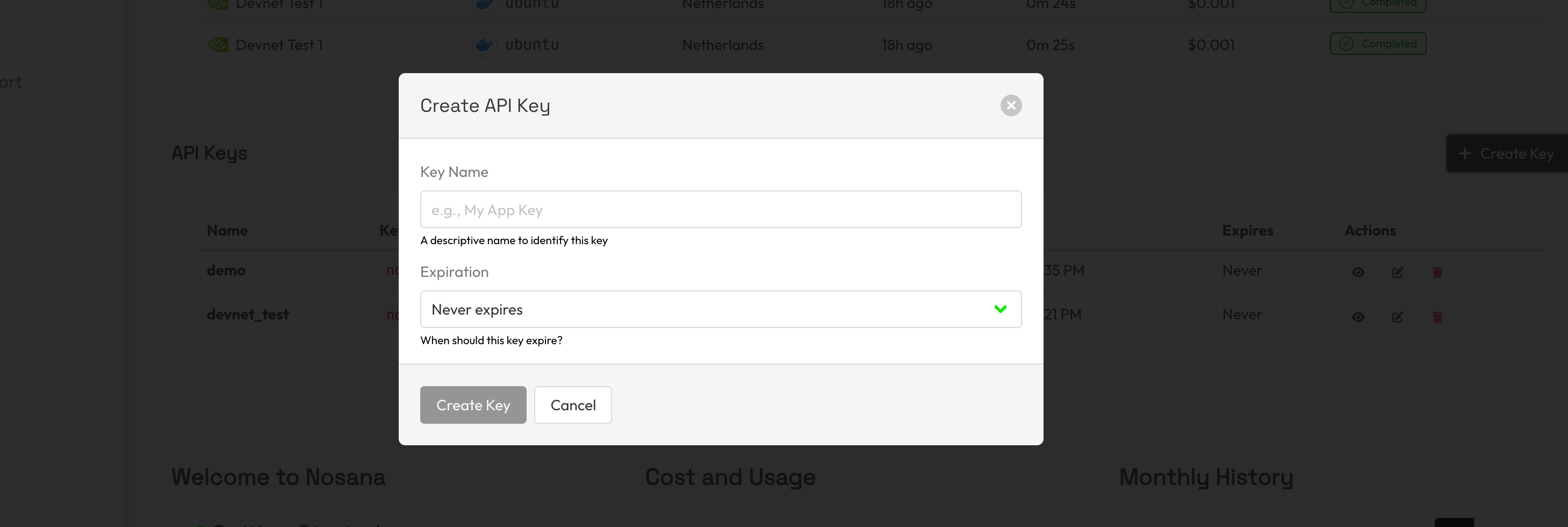
In the API Keys section on the Account page, you can view your existing API keys and create new ones.
Click Create Key to generate a new API key. Give your new key a descriptive name and an expiration date. Once you've filled in both, your API key will be shown with an option to copy it.
Warning
Keep your API key private. Do not share it publicly, include it in client-side code, or commit it to version control. If you suspect your key has been exposed, revoke it immediately and create a new one.